Portal Templates: Pick a Look, Go Live With Your Notion
The hardest part of a client portal isn’t the login or the branding. It’s the blank page. You know what “good” looks like — campaigns with approvals, design boards with mockups, site tours with deliverables — but starting from an empty Views list means inventing that experience one database mapping at a time.
So we shipped Portal templates: a gallery of finished client portals you can browse like inspiration, then install against the Notion workspace you already run. Pick a look. Connect Notion. Preview with your own rows. Publish.
Inspiration first, Notion second
Most “templates” in SaaS are configuration dumps: rename these fields, map these columns, hope the layout works. Ours flip that. The public gallery never asks you about Notion roles or property types. You browse professional portals — color, chrome, section titles, sample work — the way you’d flip through a design portfolio.
- Browse looks by business type: agencies, freelancers, onboarding, reporting, and more
- Hover a card to tour the dashboard, key sections, and the client login
- Open a template to see the full client experience before you commit
- Only when you say “I want this” do we ask you to connect Notion
That split matters. Designing how clients experience your work is a creative decision. Wiring databases is an ops decision. Mixing them too early is how setup stalls.
A gallery for how agencies actually work
We didn’t ship one generic “Projects / Tasks / Docs” starter and call it a day. Each template is a real operating model — the pages clients need for that kind of work, with sample data that looks like the job, not lorem ipsum.
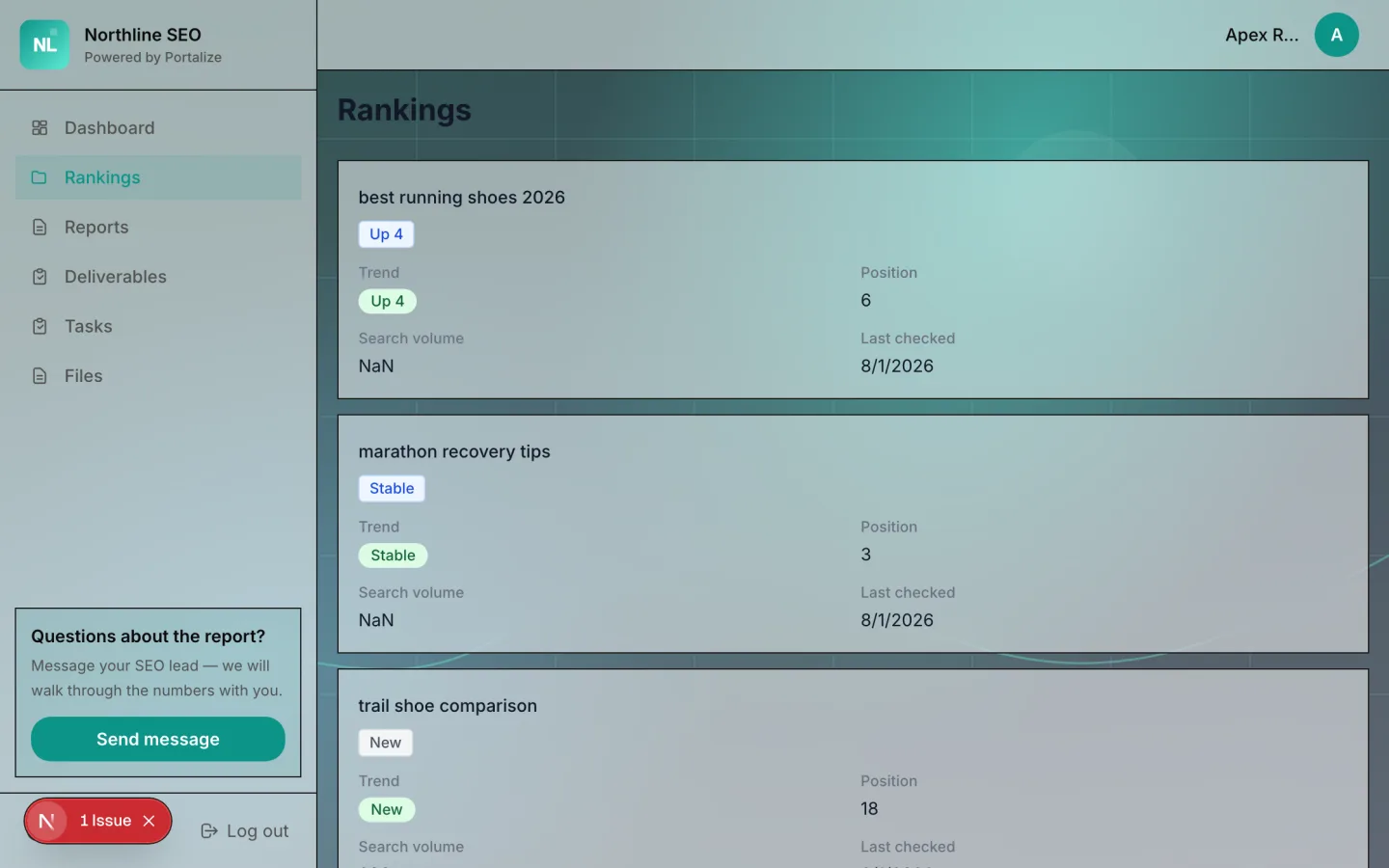
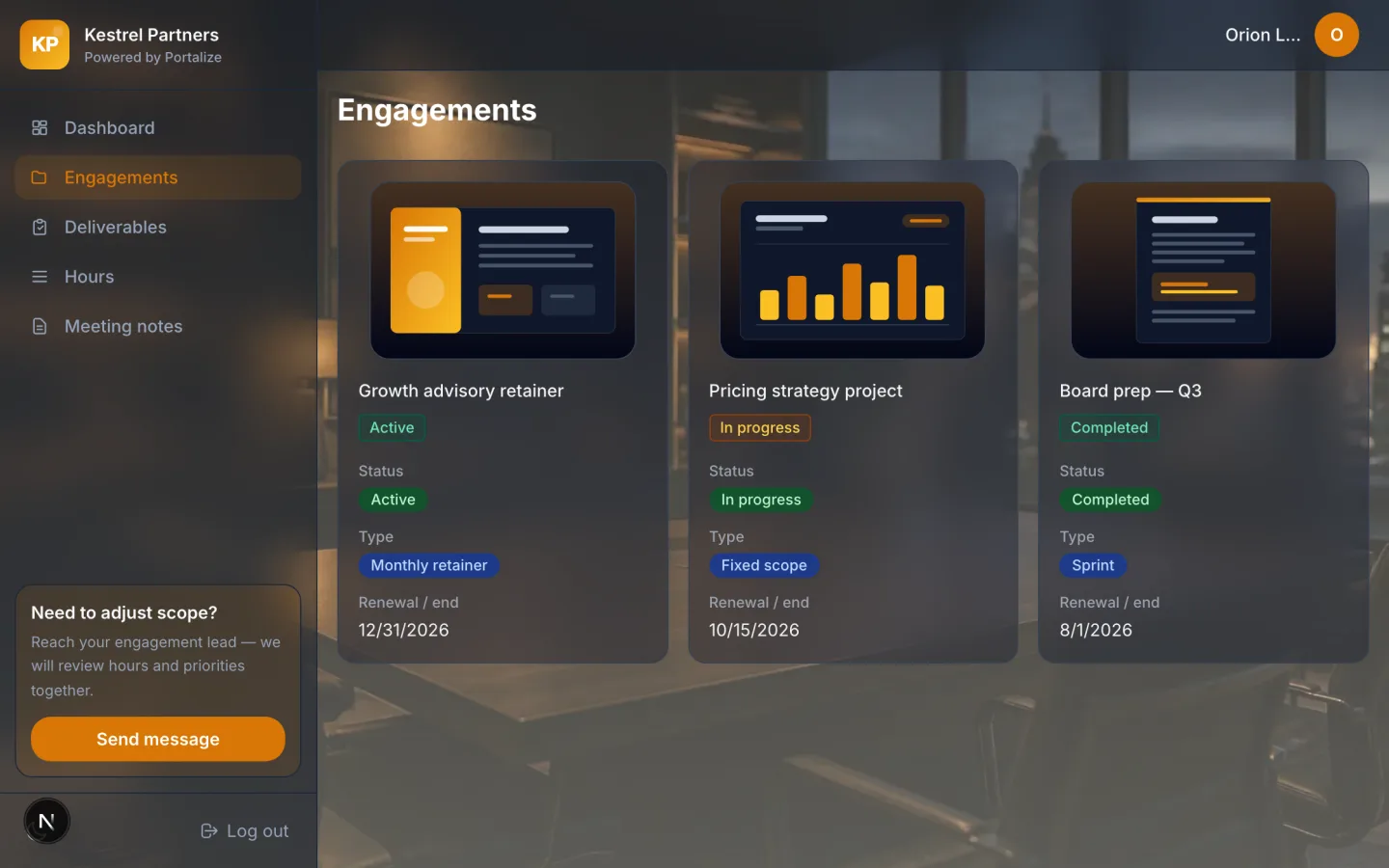
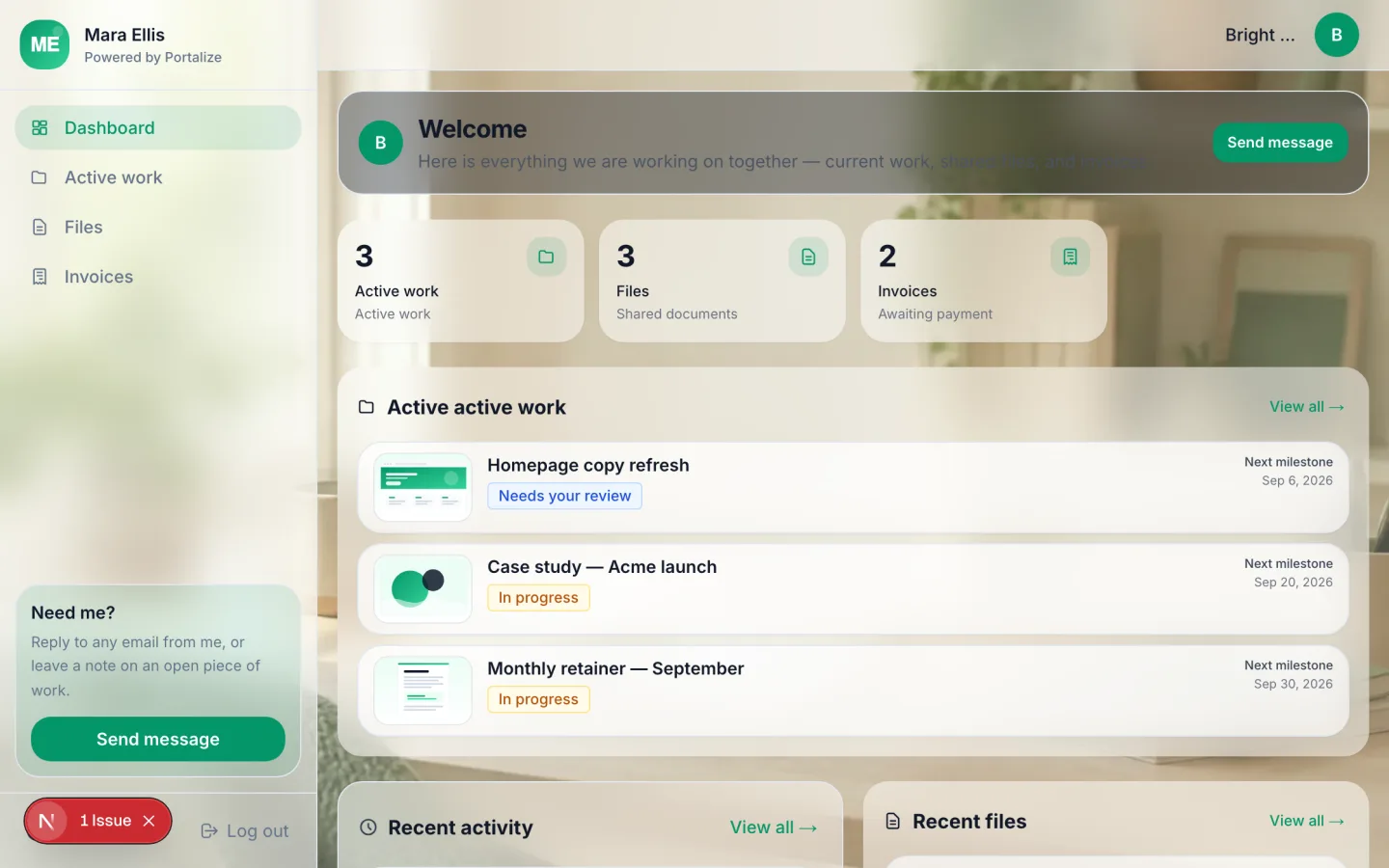
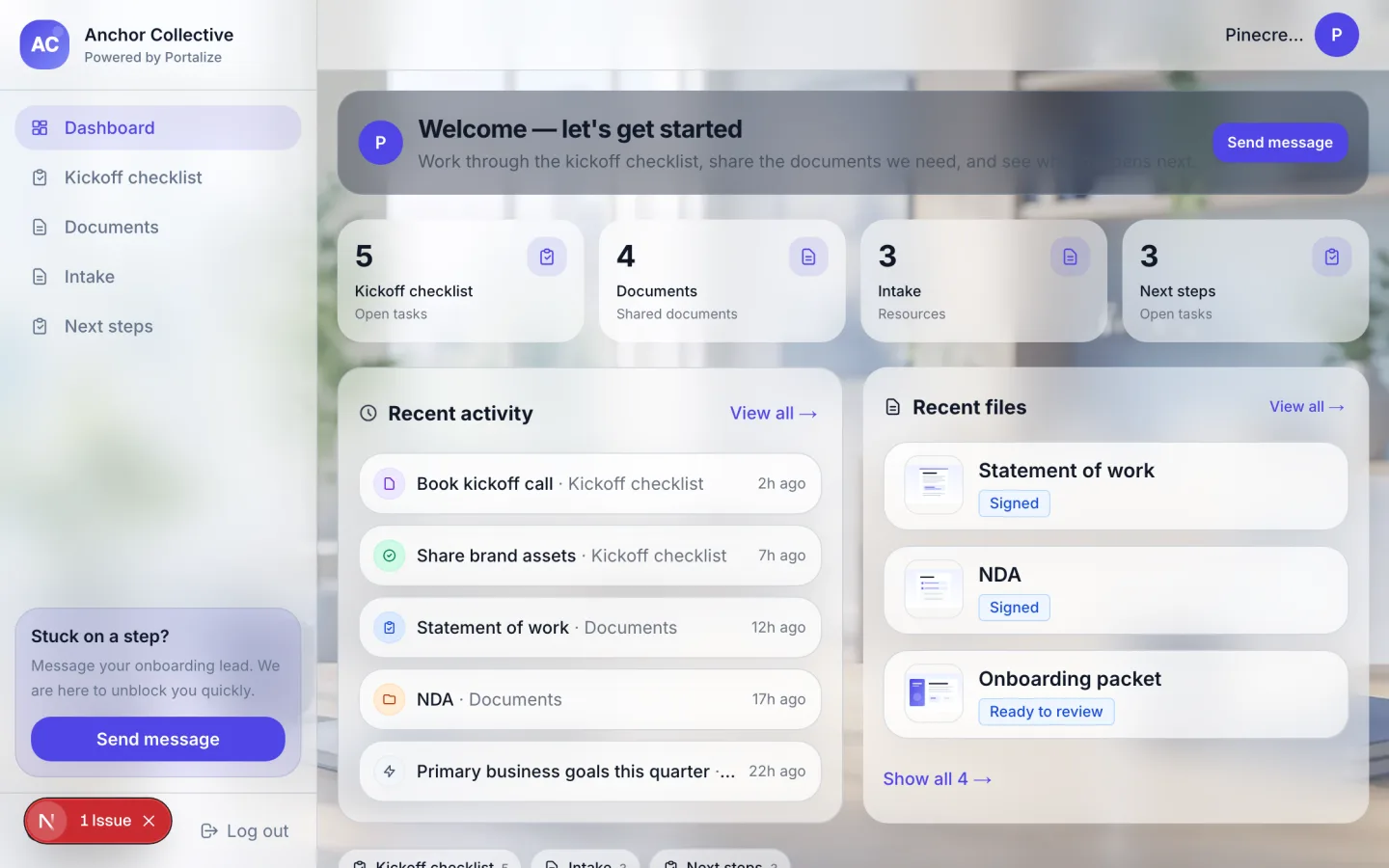
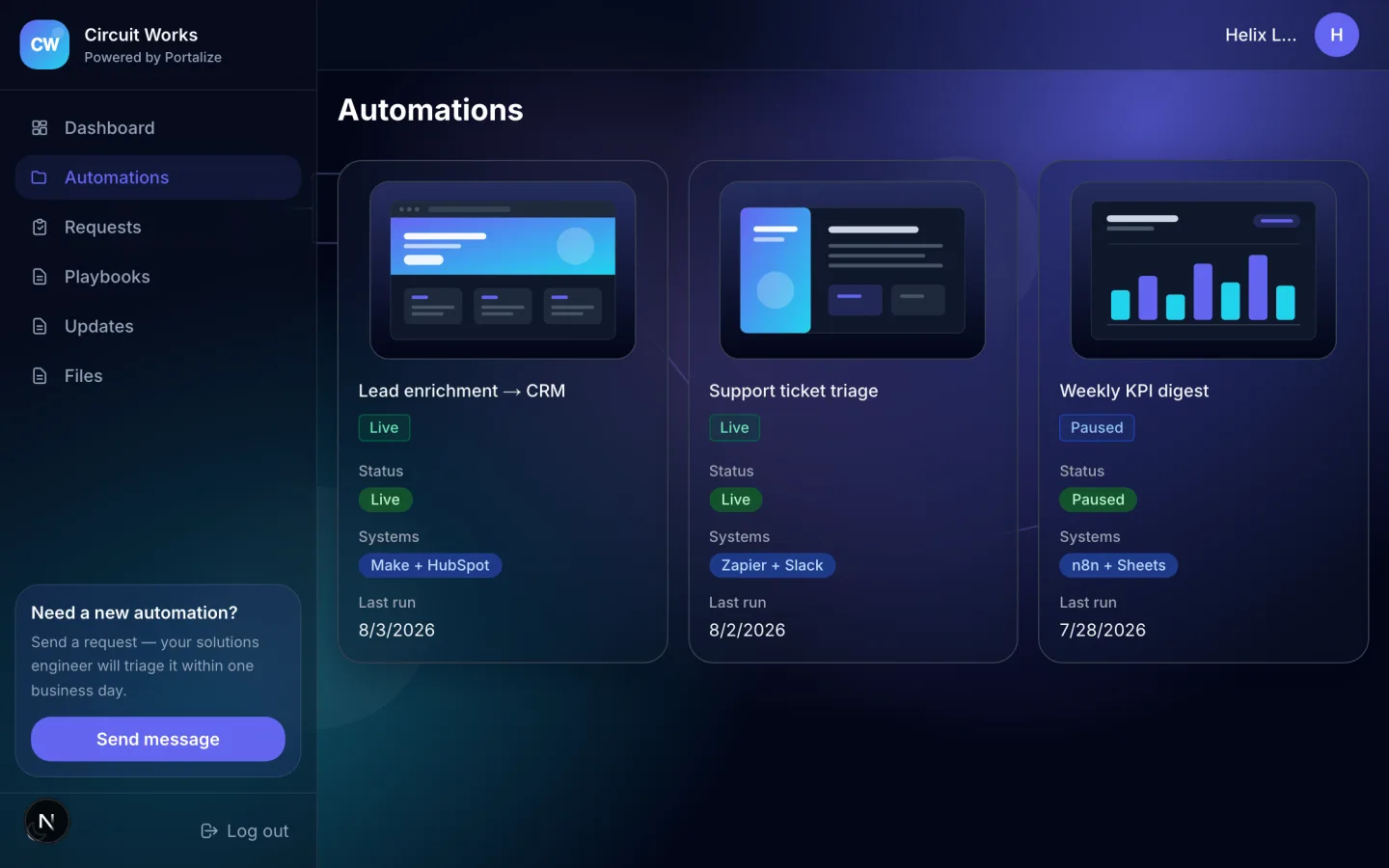
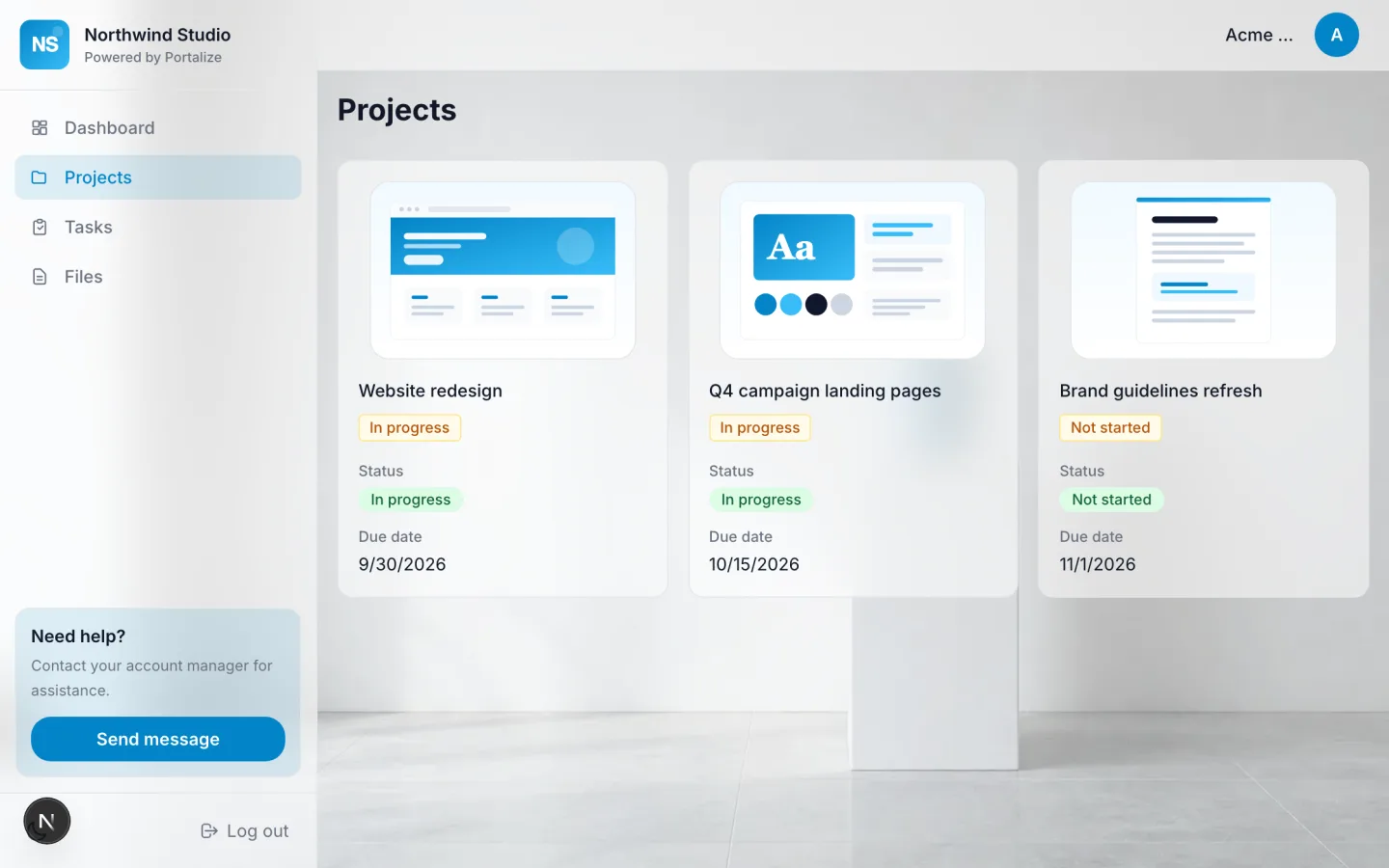
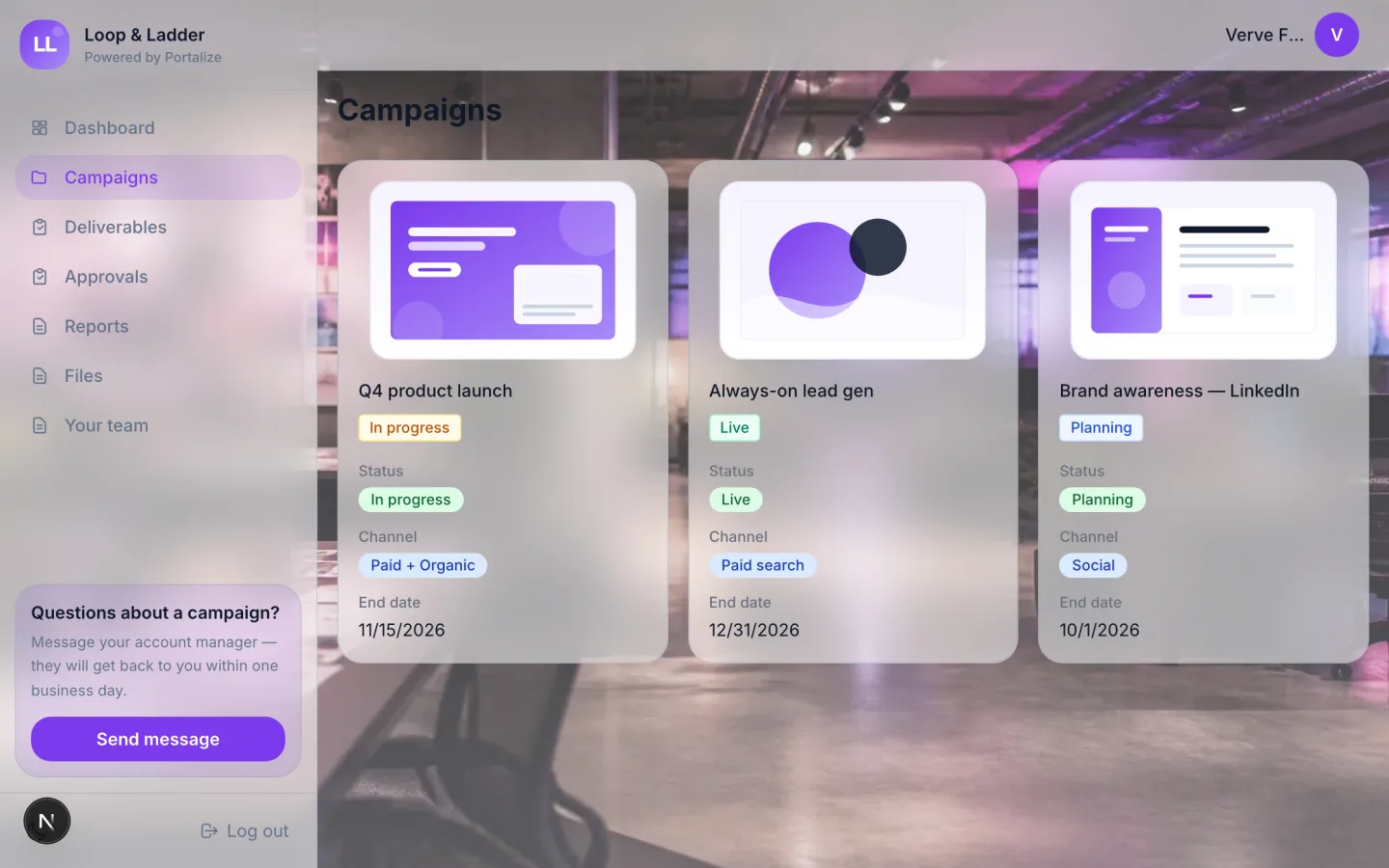
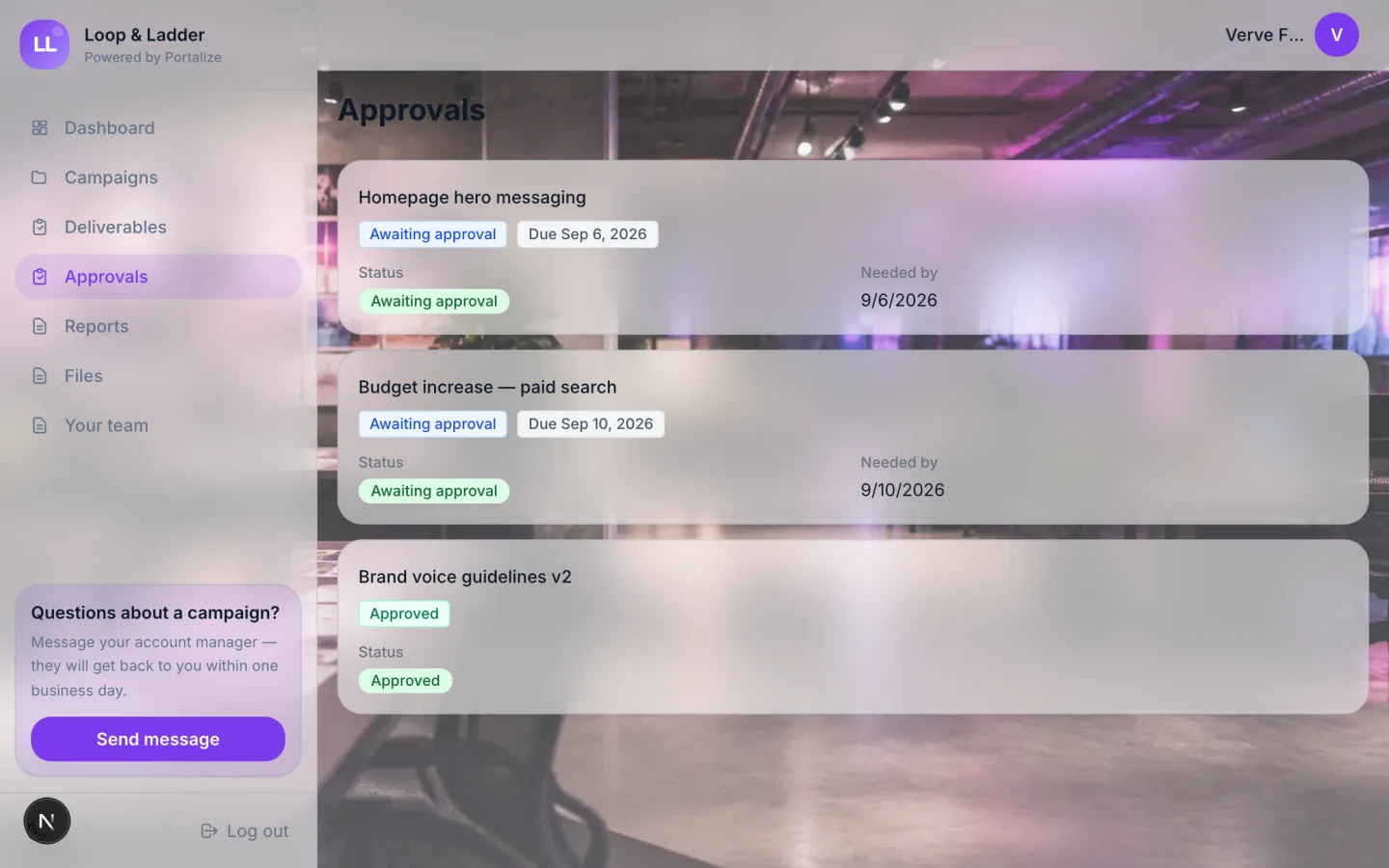
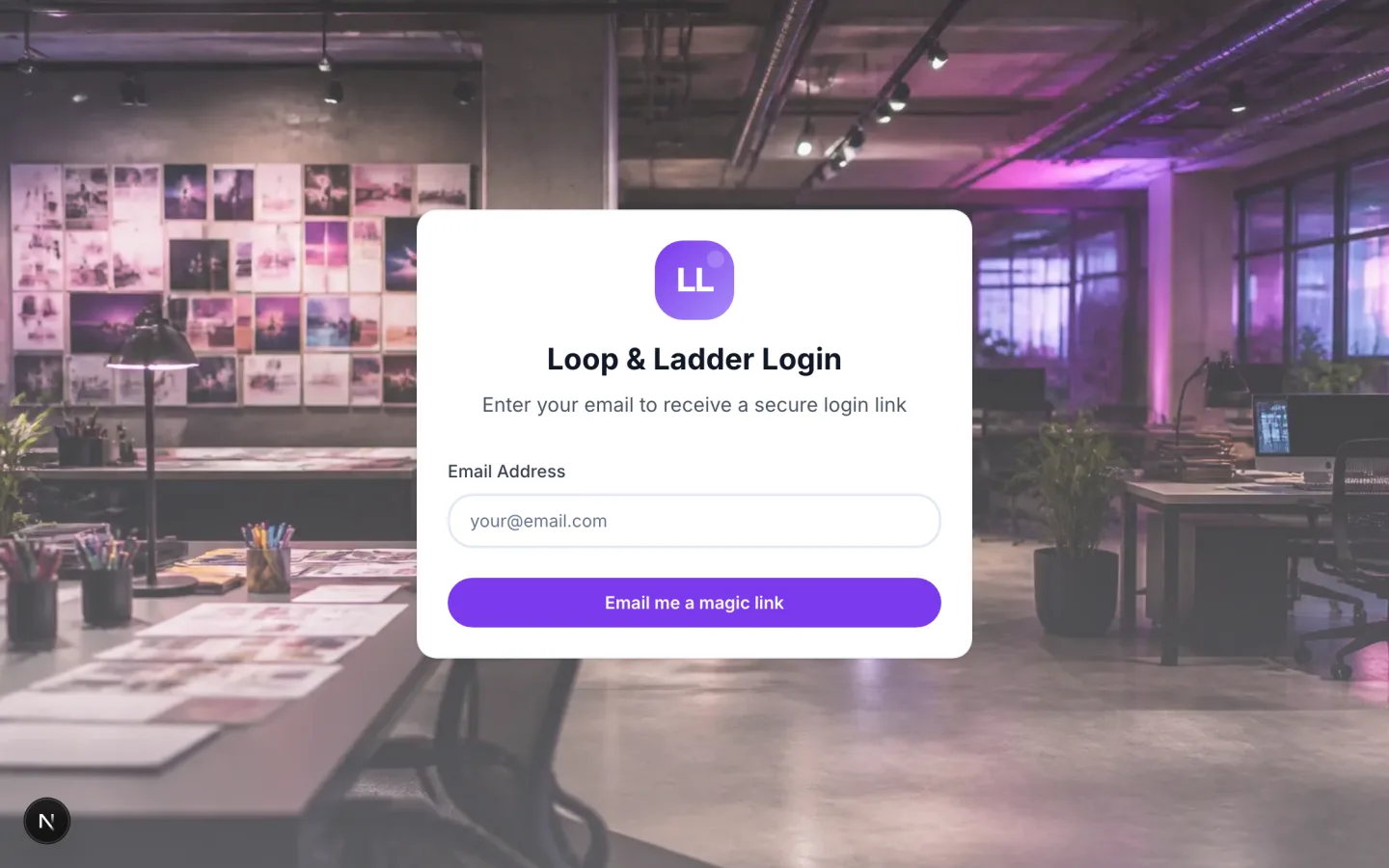
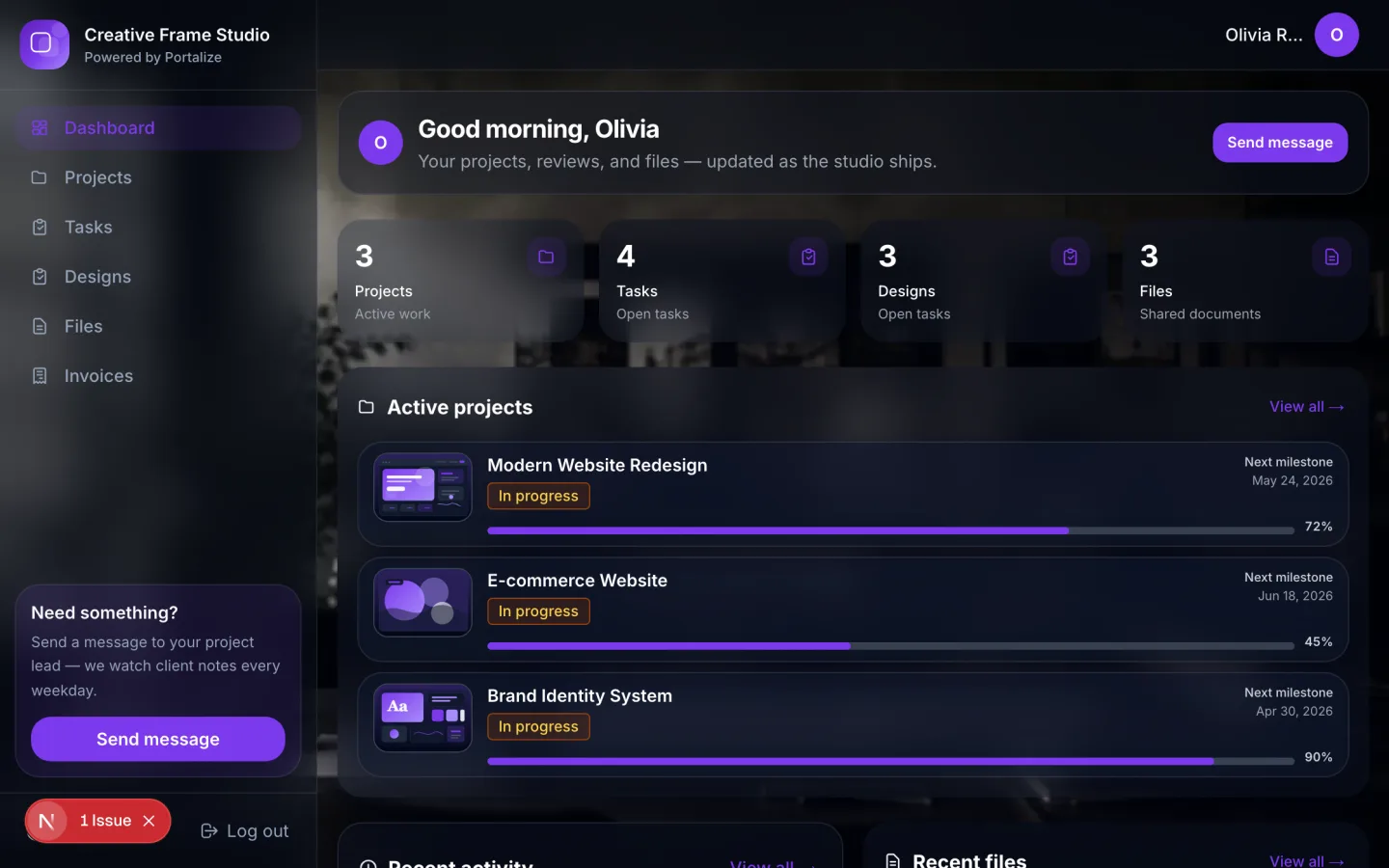
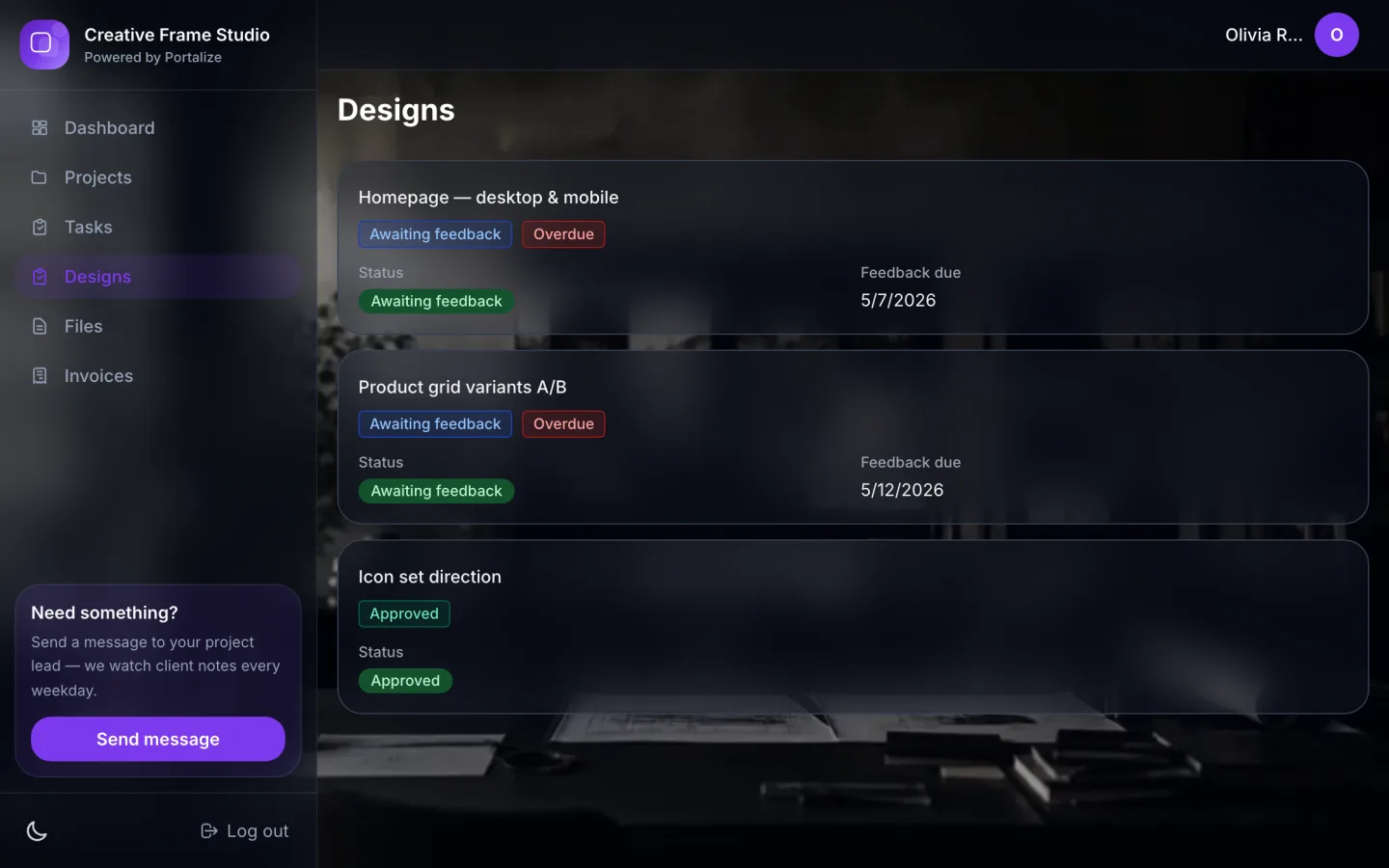
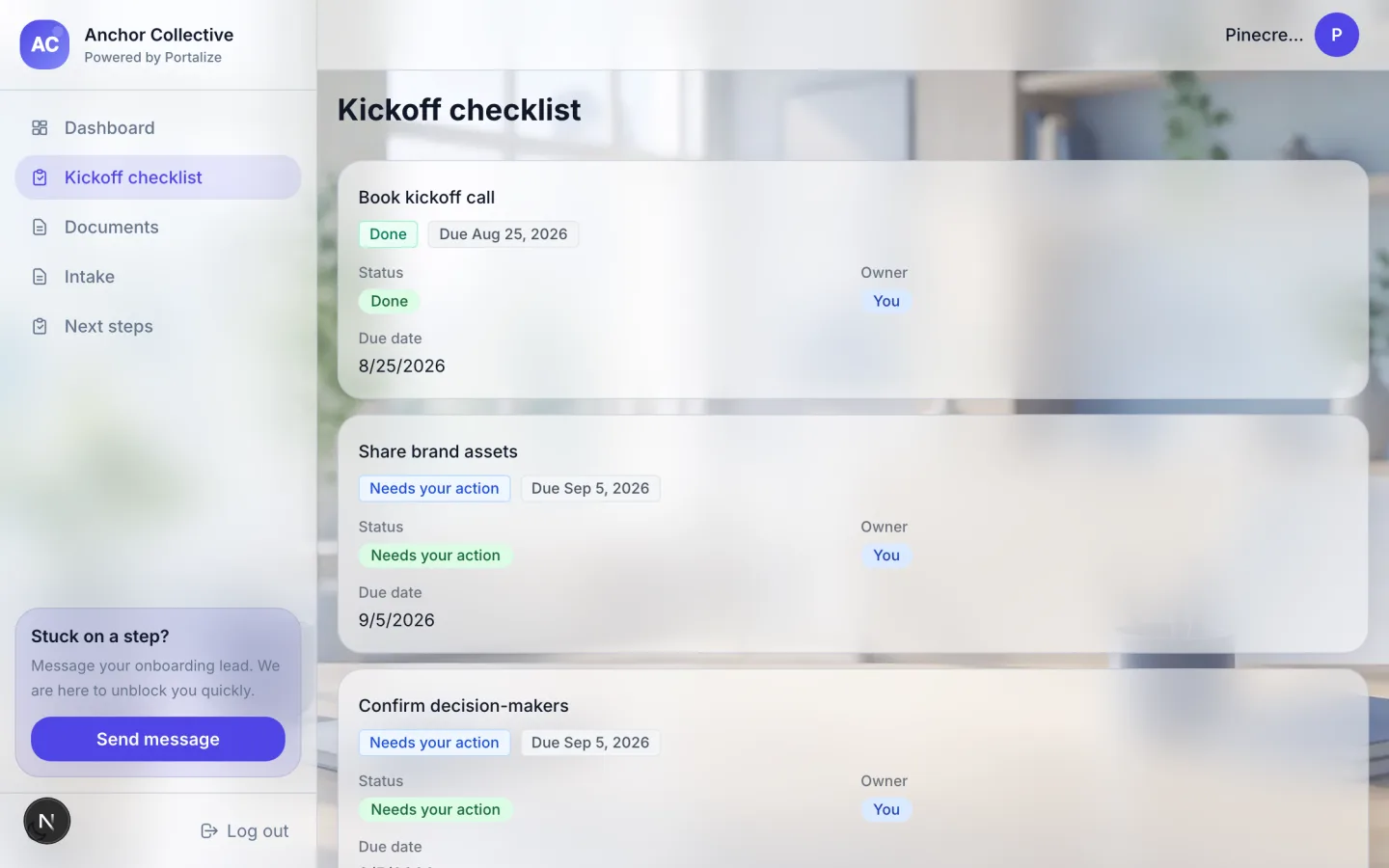
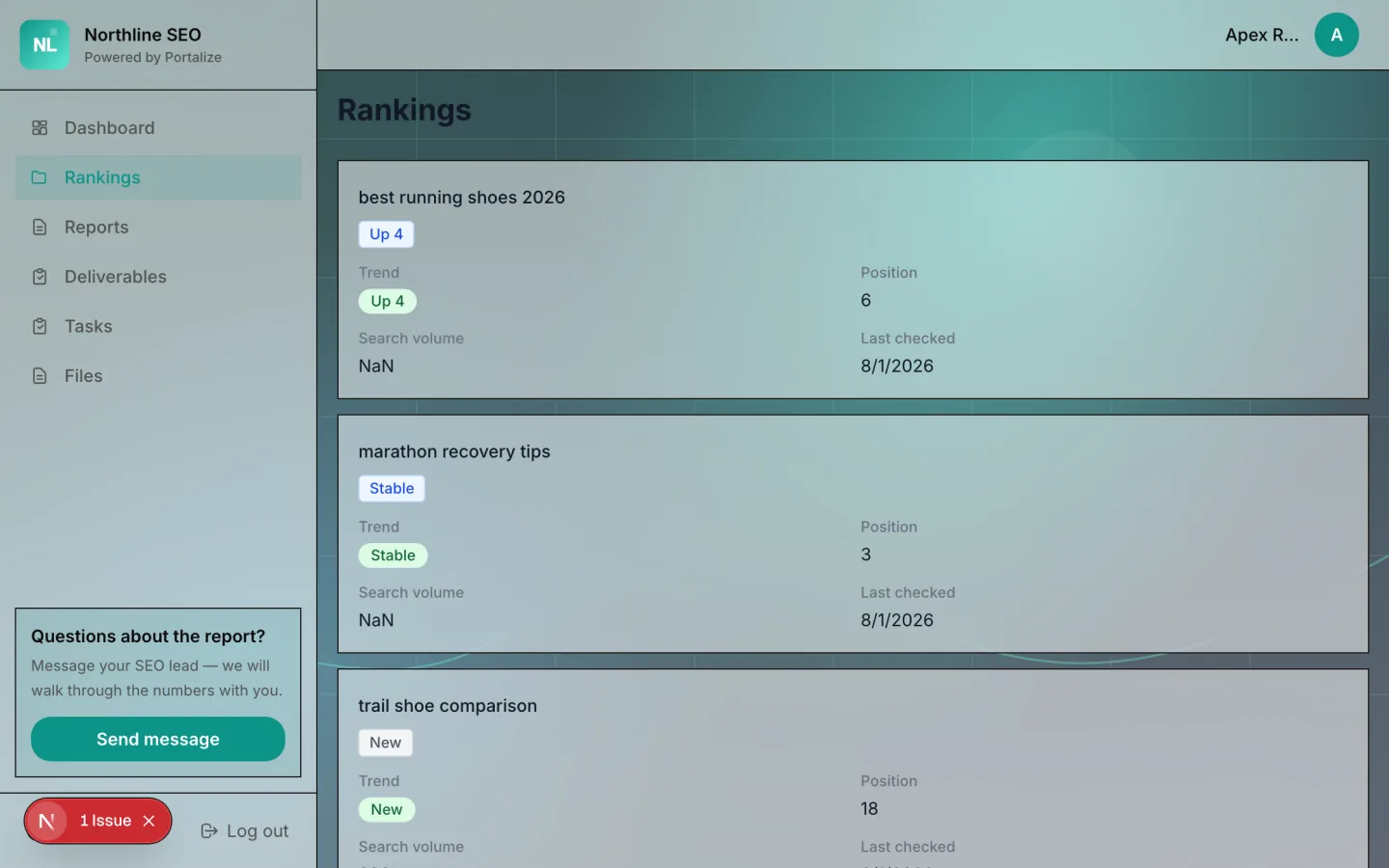
Every template ships with a fictional showcase brand so the screenshots feel finished — Loop & Ladder, Creative Frame, Northline SEO, Kestrel Partners, and the rest. Your logo and colors replace theirs on install.
Inside a template: pages clients actually open
A template isn’t a theme skin. It’s a set of client pages — dashboard plus the sections that match the work — with layouts, visible fields, and image-friendly cards already decided. Here’s the marketing agency portal up close:
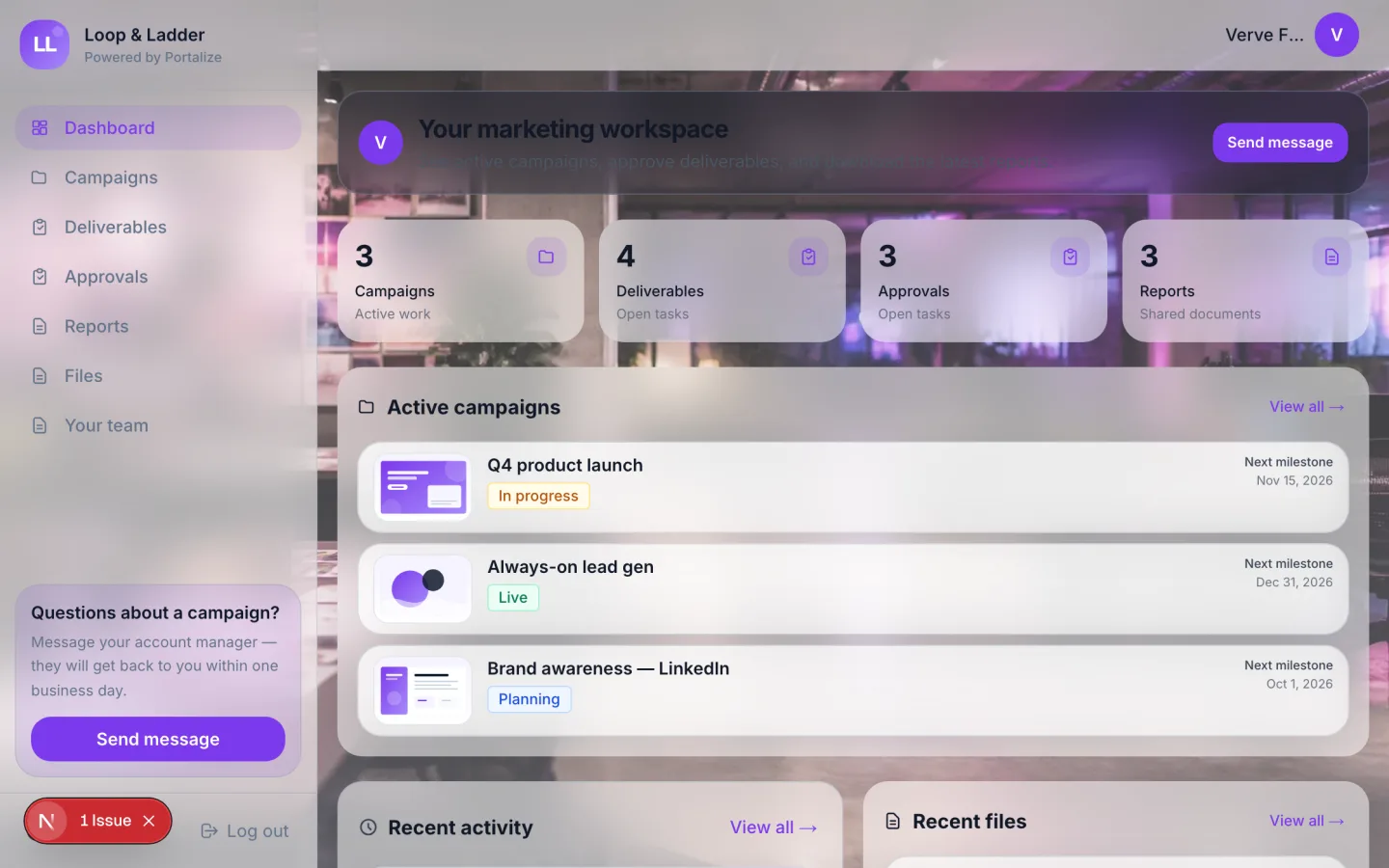
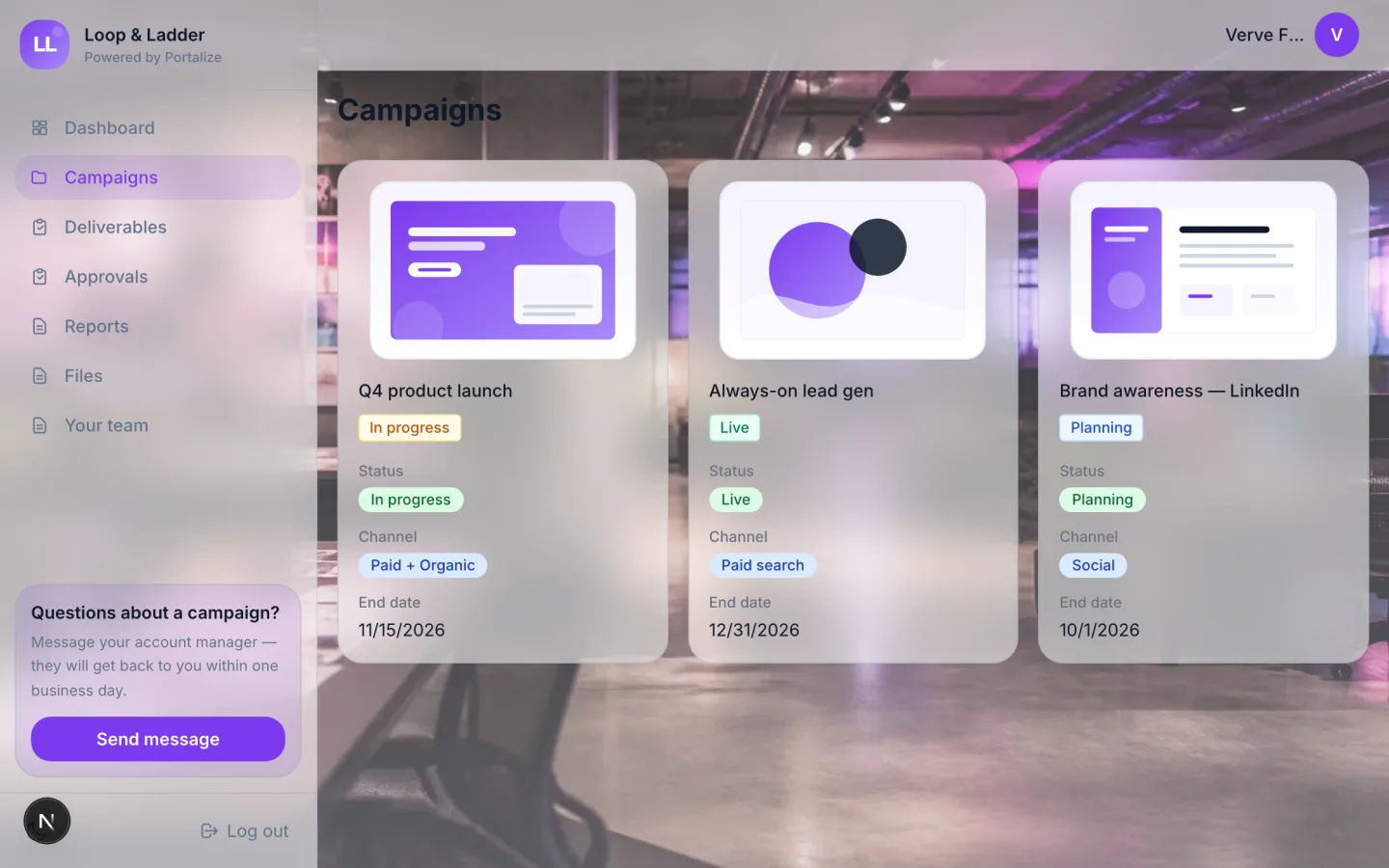
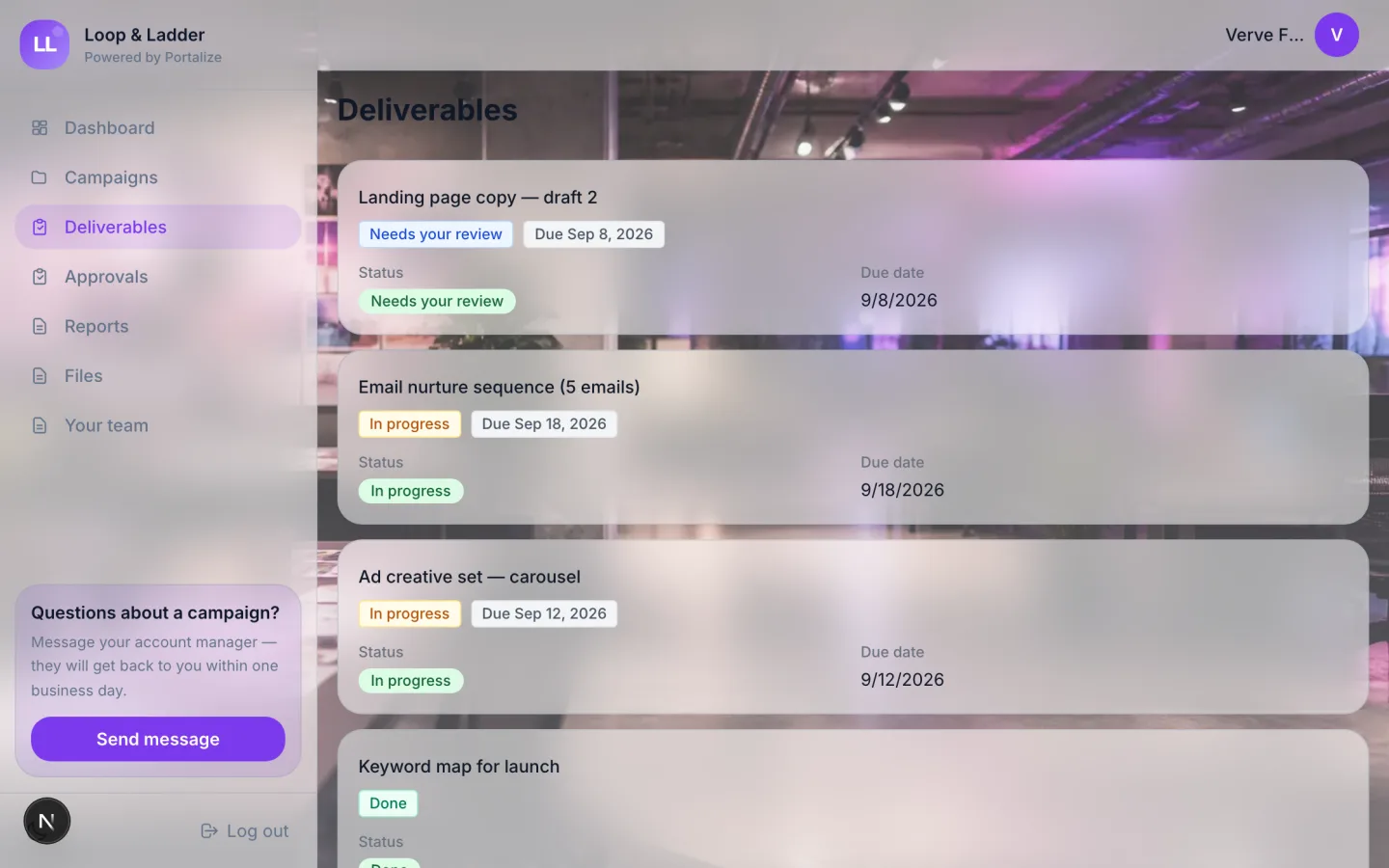
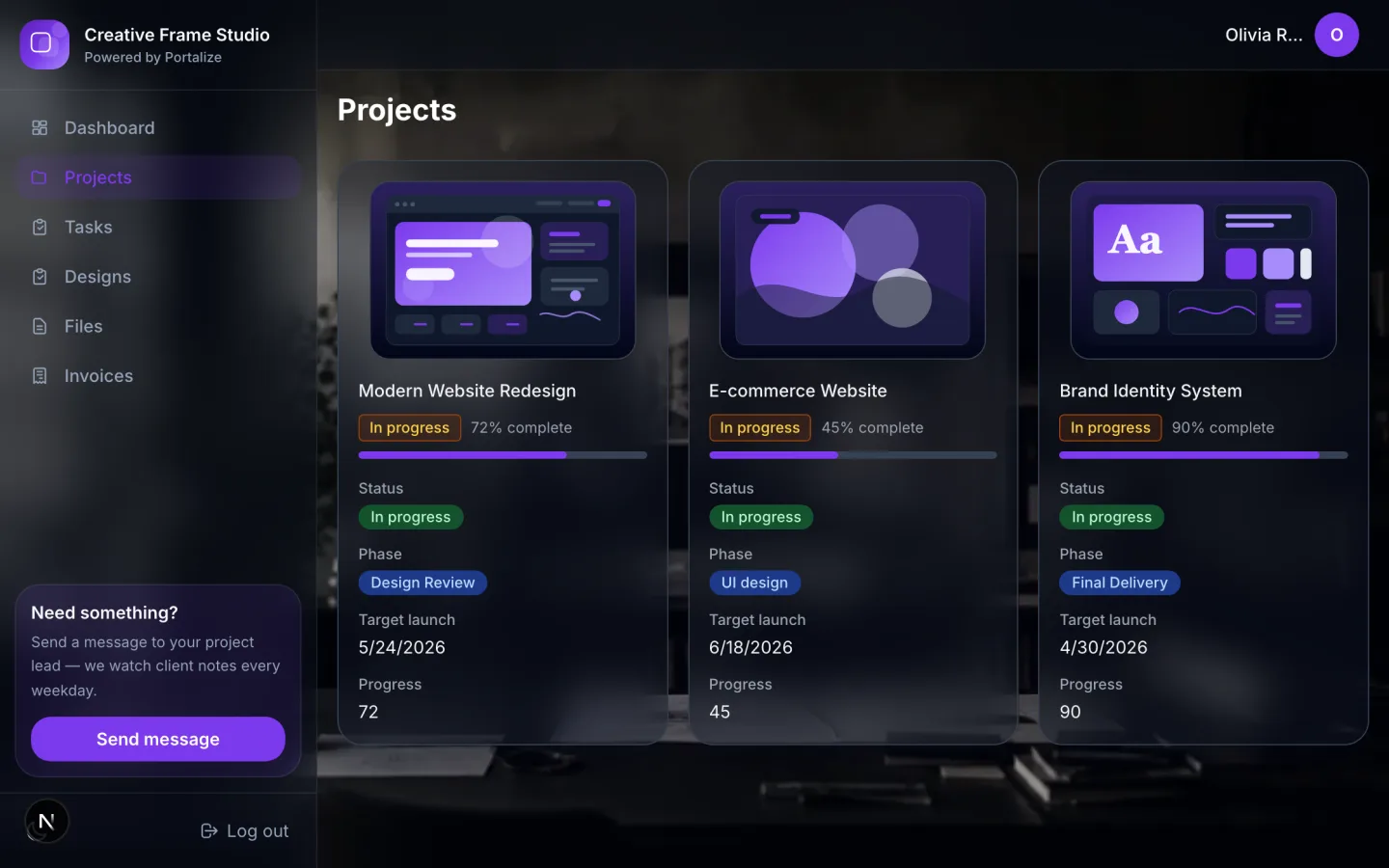
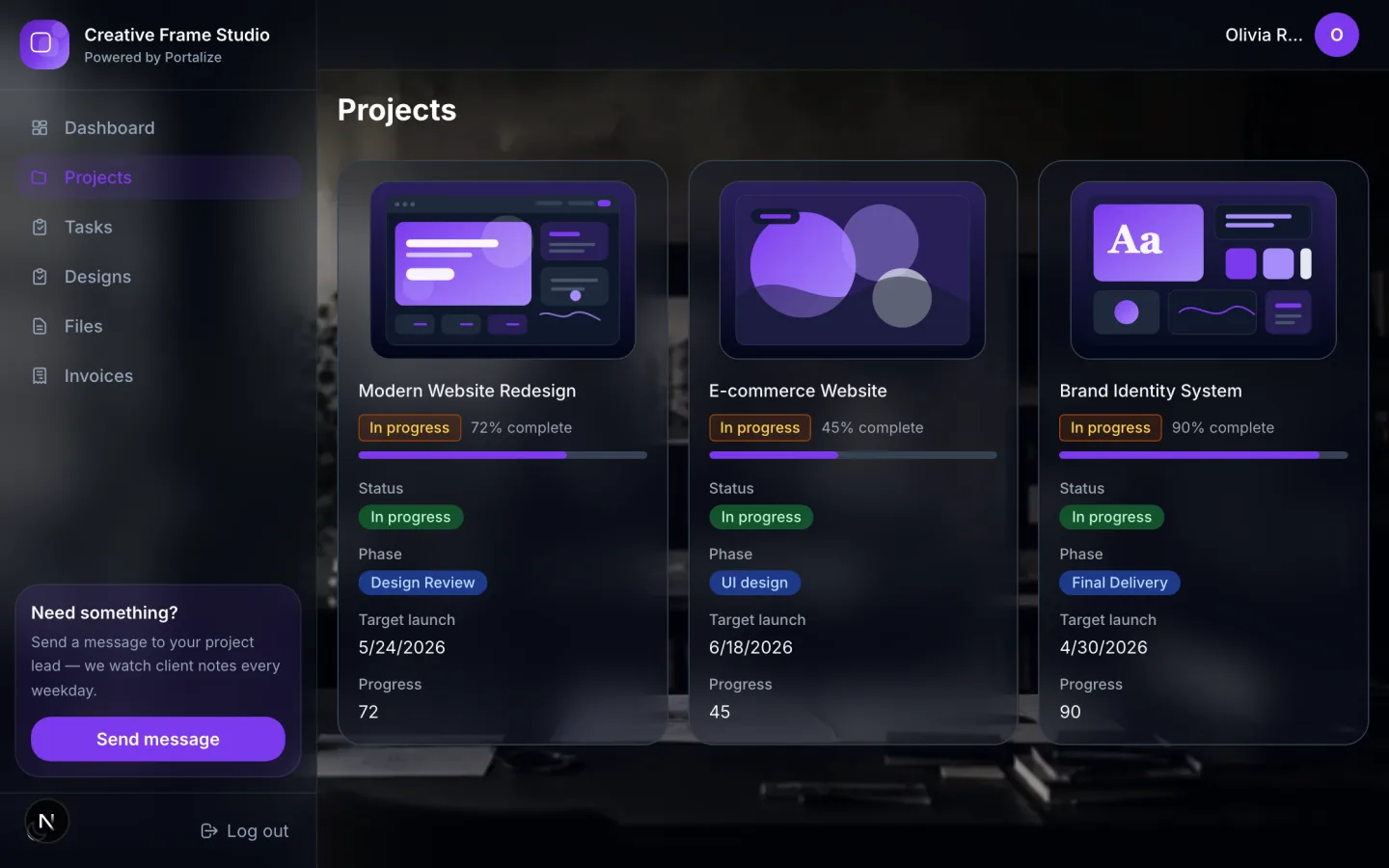
Design studios get the same treatment with projects, tasks, and a Designs page built for mockups:
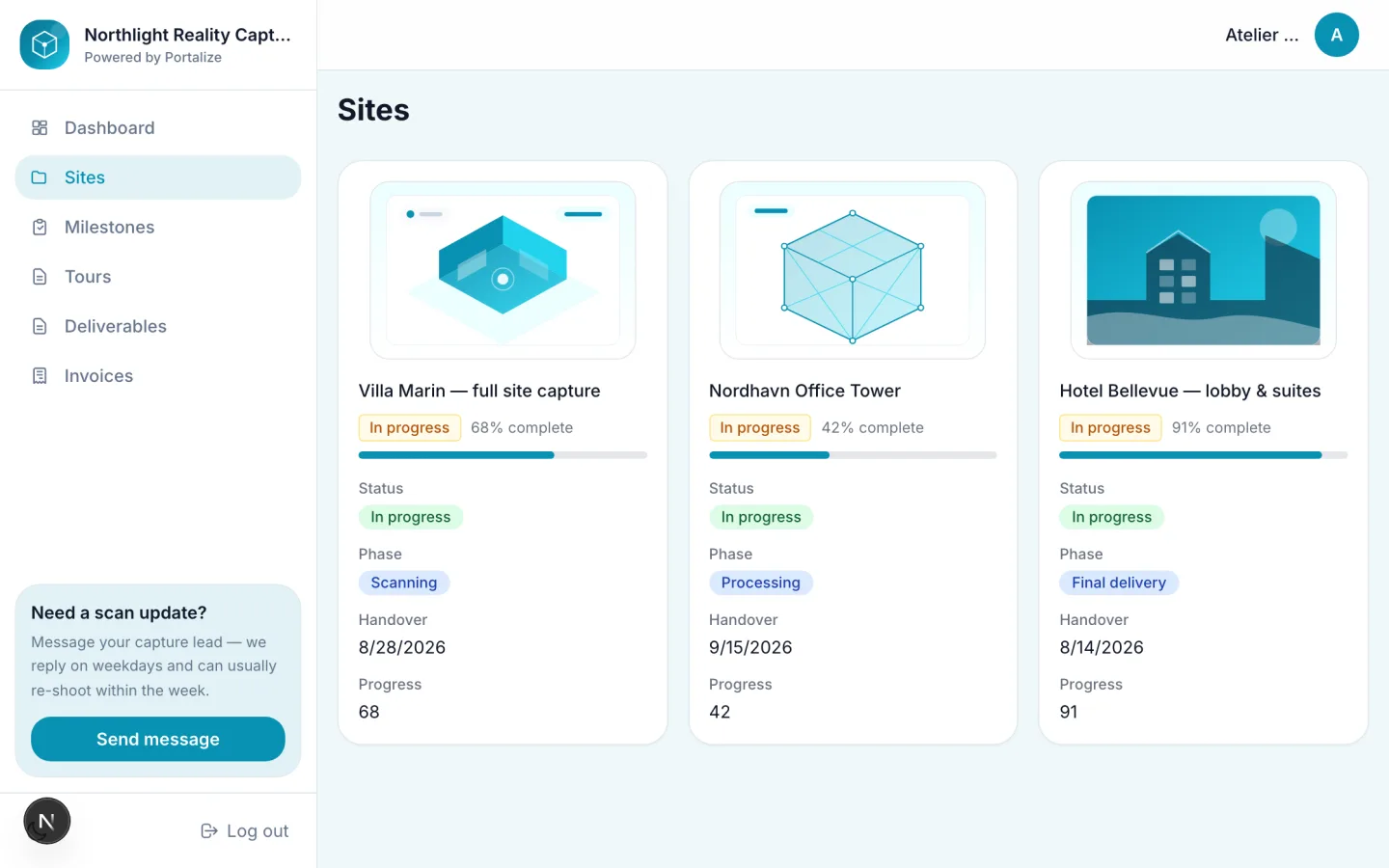
Case study: a reality-capture studio portal
Some businesses don’t fit “projects and tasks.” A 3D scanning or Matterport studio needs sites, capture milestones, tours, and deliverables — and clients need to open those tours without digging through a shared Drive folder. The Reality Capture Studio template is built for that.
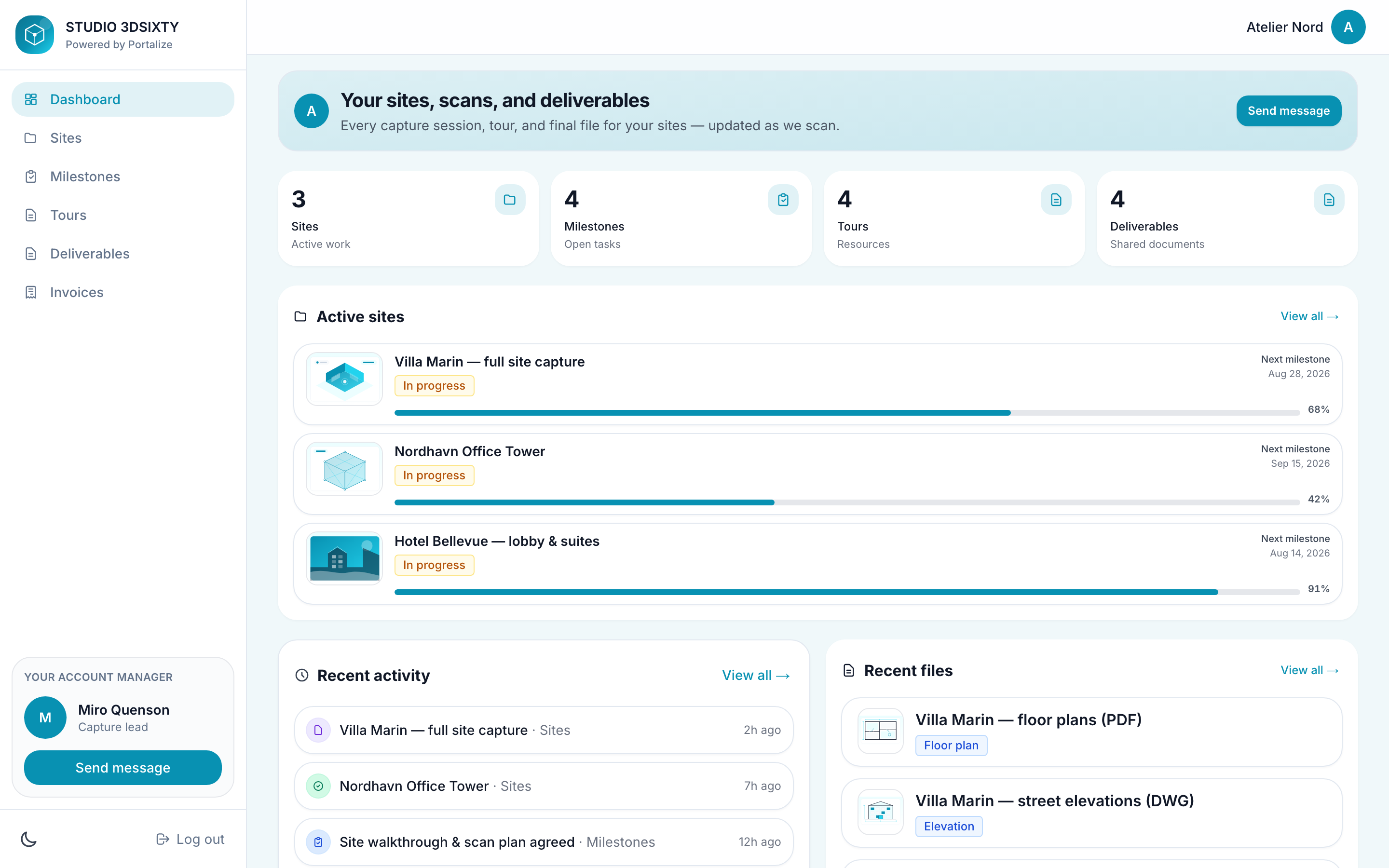
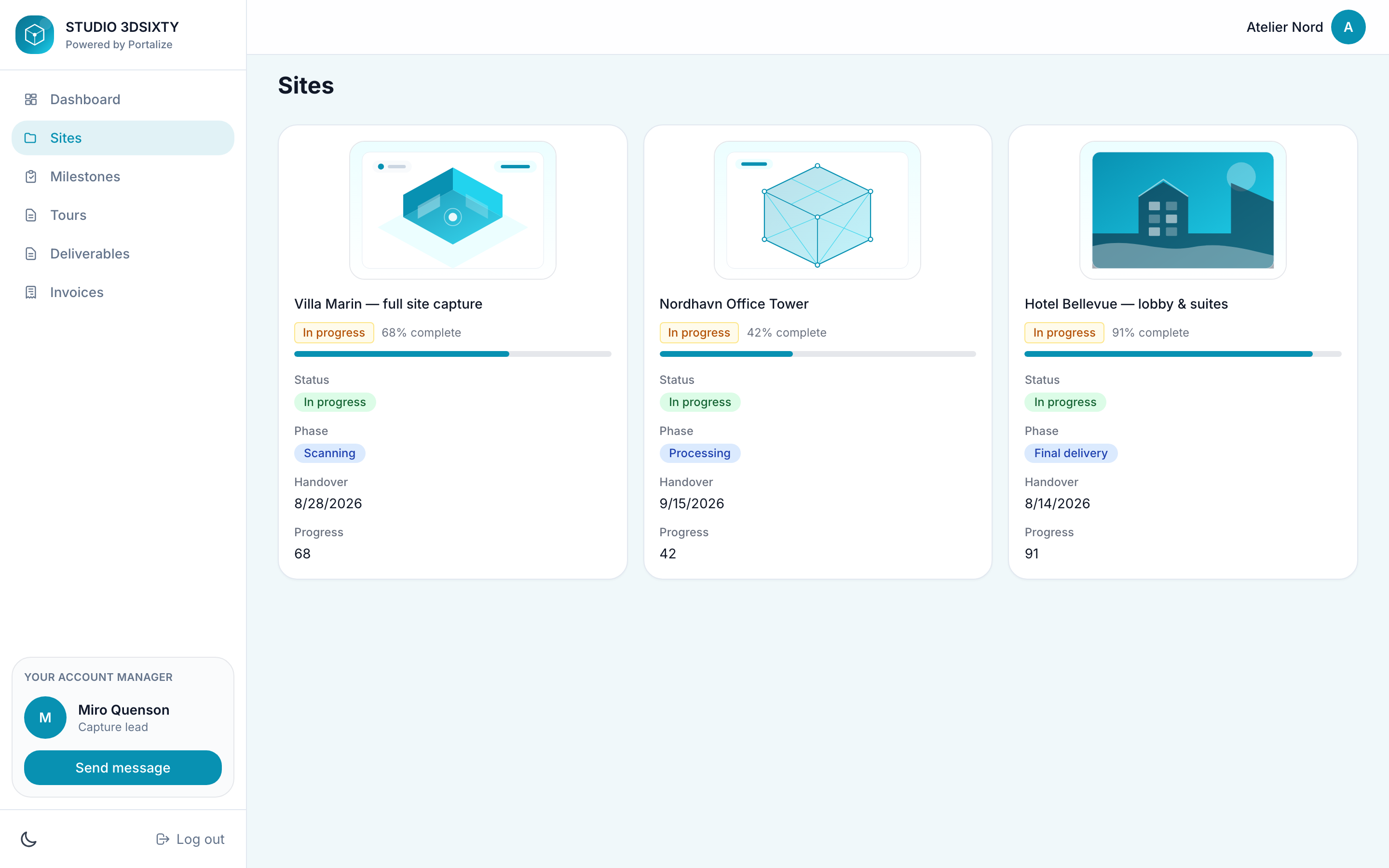
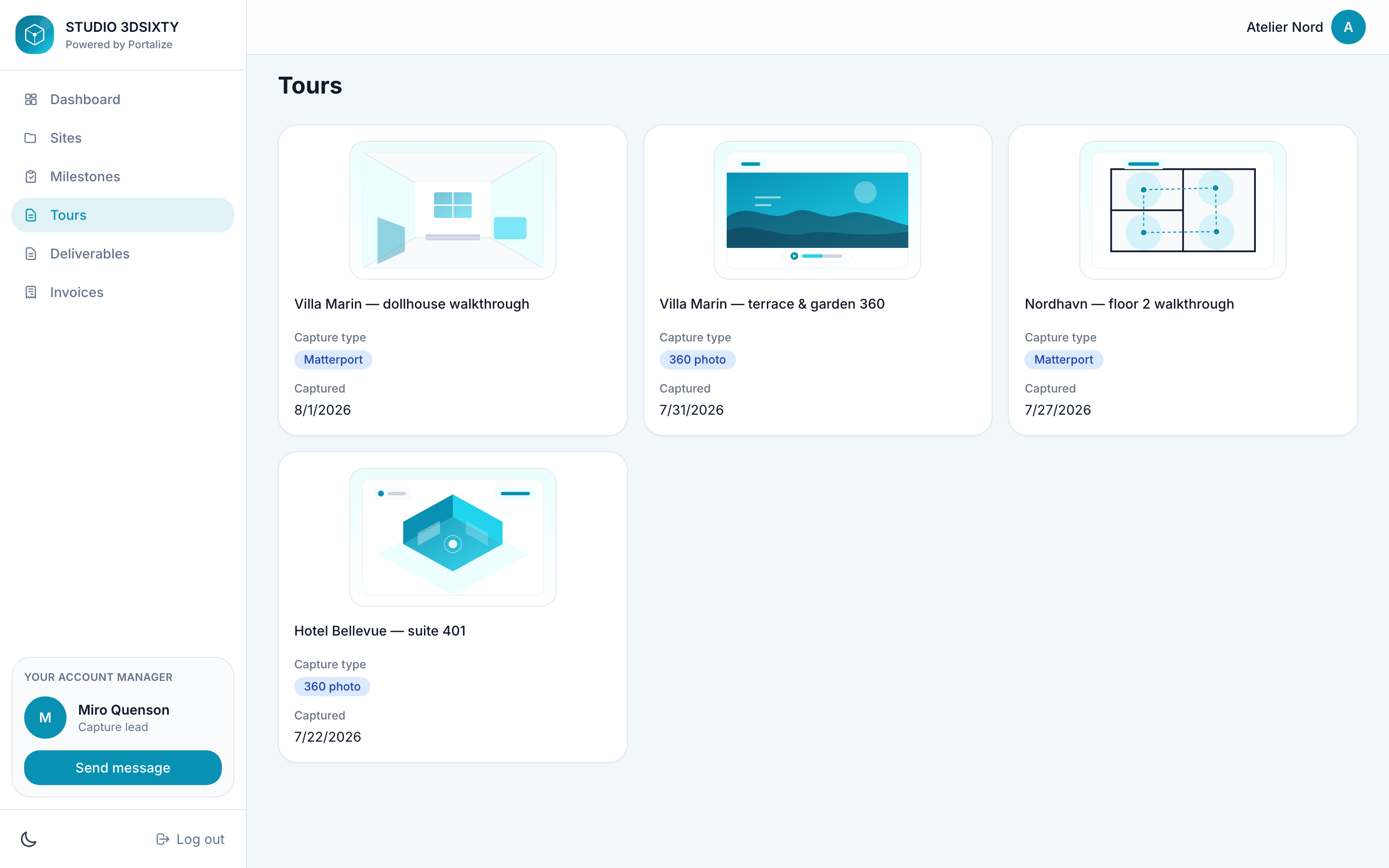
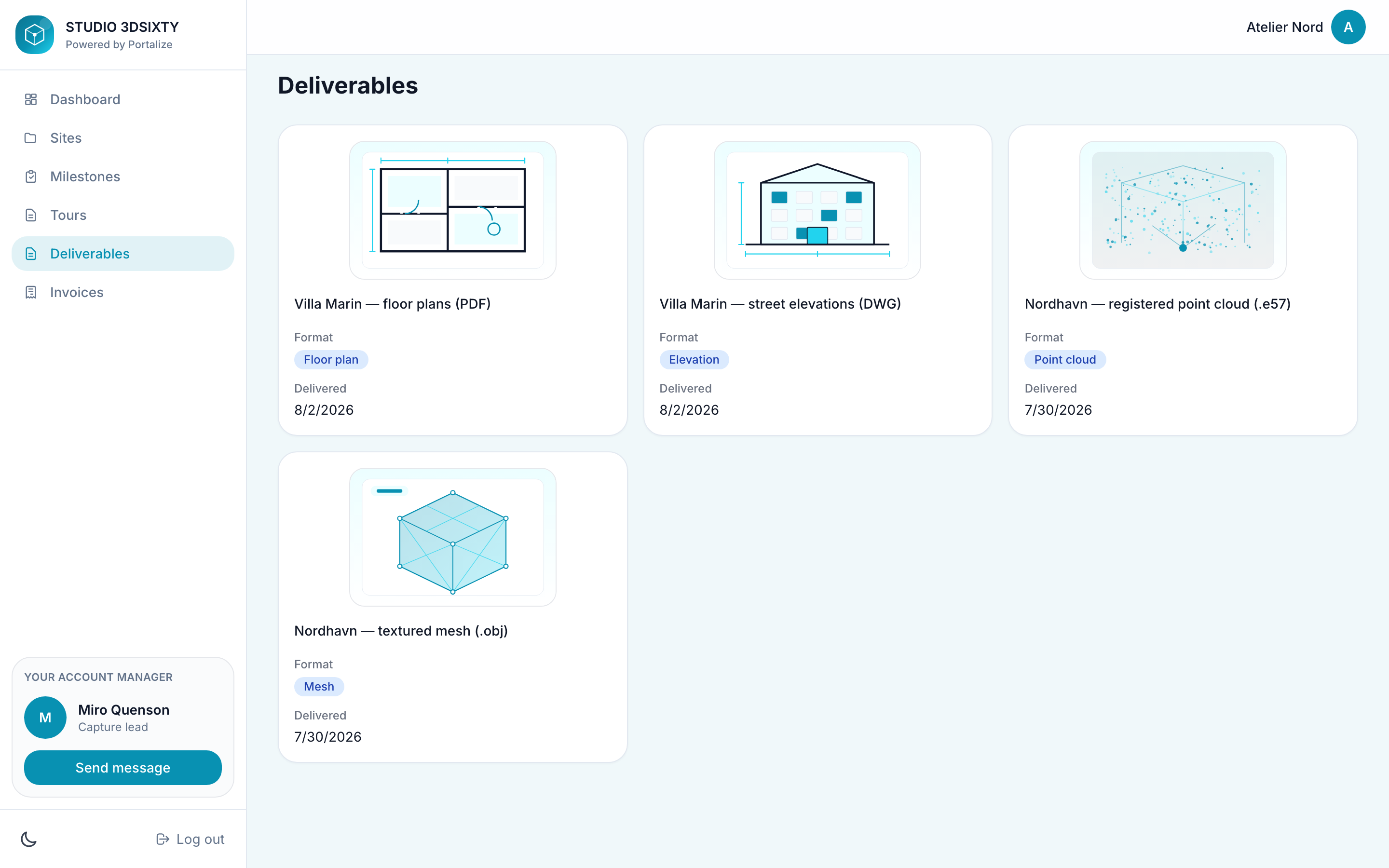
That’s the point of templates with opinionated sections: the portal speaks the client’s language on day one, instead of forcing every industry into a generic project list.
How install actually works
Once you’ve picked a look, Portalize adapts it to your Notion — it doesn’t clone a second copy of someone else’s databases into your workspace, and it doesn’t mutate your existing portal until you publish.
- Browse looks — gallery and live preview with sample data
- Connect Notion — reuse an existing connection or authorize a workspace
- Map roles — we recommend databases and properties that match each section (Campaigns → your campaigns DB, and so on)
- Personalized preview — see your real client-scoped rows in the template layout
- Publish — open the portal to clients when it feels right
Under the hood, templates are versioned blueprints. Installing pins you to the version you chose, so when we improve a template later, portals already live stay stable. Optional sections can stay off until you have the data; required ones guide you until mapping and client scoping are solid.
Typical setup is measured in minutes, not afternoons — most templates estimate around 5–12 minutes once Notion is connected and your Clients database is identifiable.
What you still control
A template is a starting composition, not a cage. After install you still own the portal the same way you would if you’d built it by hand:
- Brand — logo, colors, appearance, and (on paid plans) custom domain
- Pages — reorder, redesign layouts, show or hide fields, turn on editable fields
- Clients — magic-link login, last-seen, invites, and per-client scoping from your Clients database
- Notion — remains the source of truth; Portalize reads (and optionally writes) scoped rows
If you’d rather start empty, you still can. Templates are there for the moment you want a finished client experience before you’ve spent a week designing one.
Browse the gallery, pick a portal that already feels like your business, and adapt it to Notion. Free forever for up to three clients — no credit card required.
Browse portal templatesWhere to start
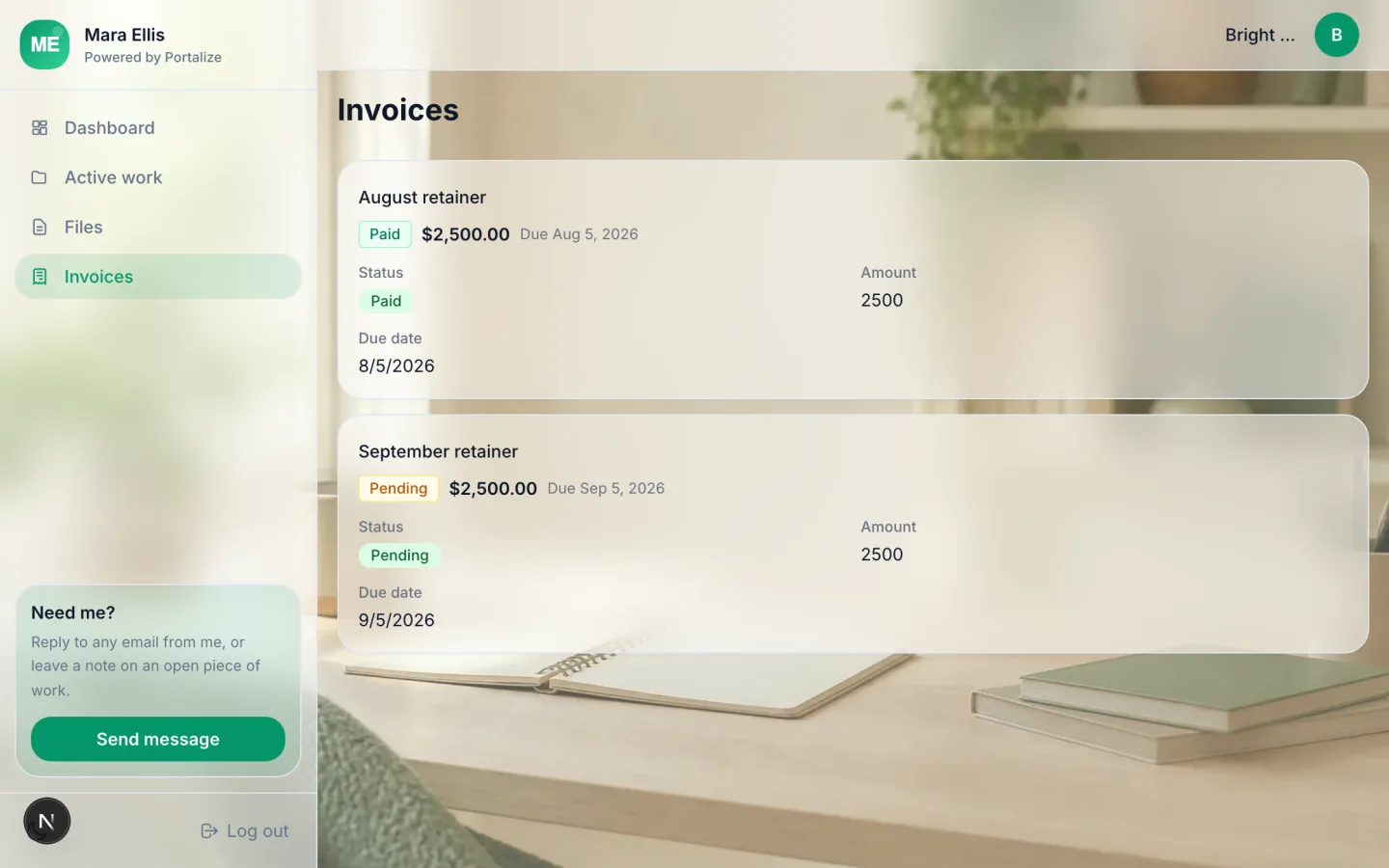
If you’re not sure which template fits, start from the work your clients ask about most. Marketing and growth teams usually want campaigns and approvals. Design studios want a Designs page with images. SEO retainers want rankings and monthly reports. Freelancers often want the lean Active work + Files + Invoices trio. Onboarding-heavy shops should open with the checklist portal, then layer project views later.
Open the templates gallery, hover a few cards, and steal the structure that already matches how you talk to clients. The blank page was never the product — the finished portal was. Now you can start there.