Built on the Consulting & Retainer Portal template
Client portal for consultants
Give retainer clients a private home for engagements, deliverables, hours, and meeting notes — while your practice keeps operating in Notion.
Free forever • Up to 3 clients • No credit card
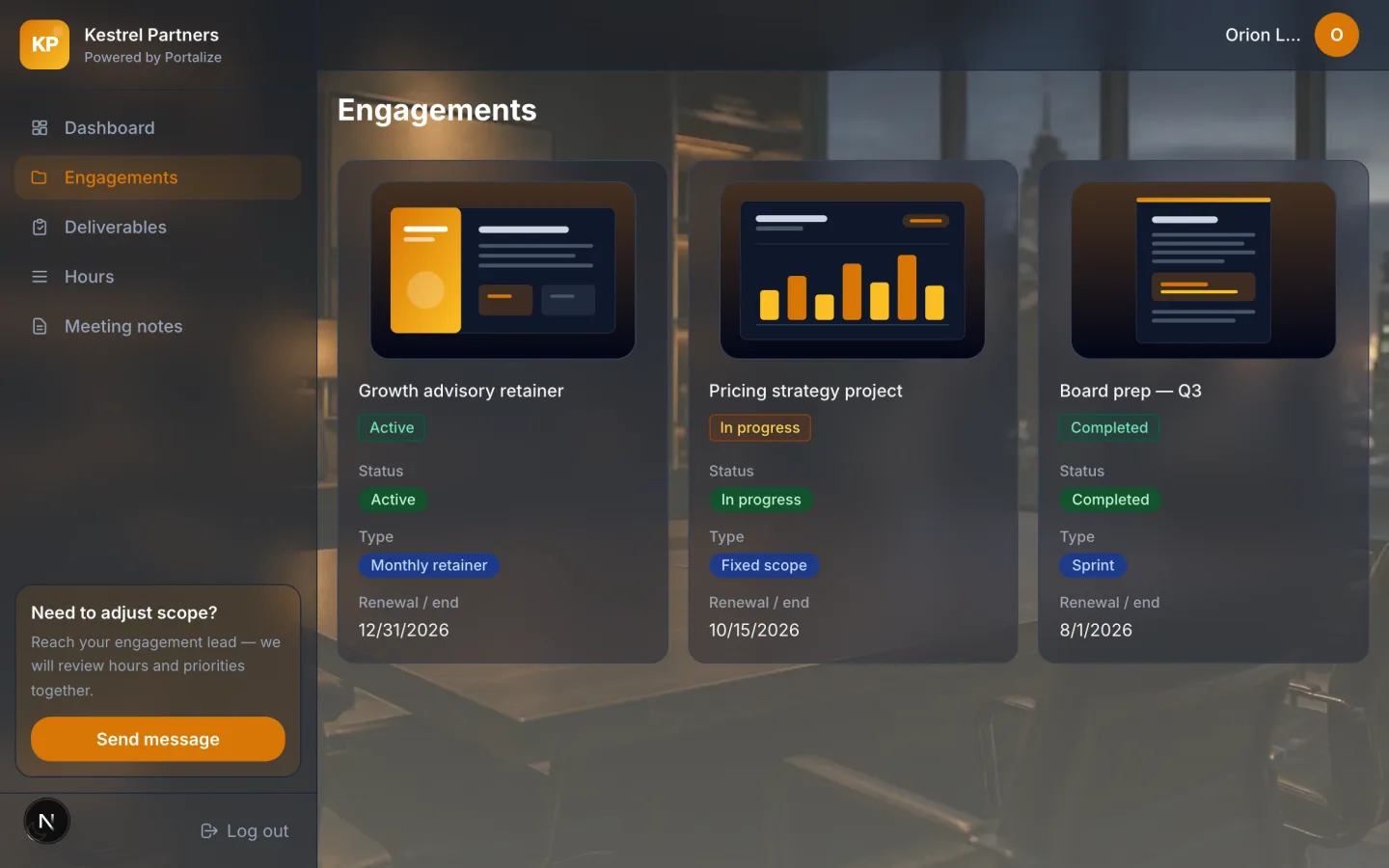
What clients see in the portal
- Engagements
- Deliverables
- Hours
- Meeting notes
The usual mess
- Weekly status emails rewrite the same progress narrative every Monday.
- Hour logs live in a spreadsheet clients do not trust or open.
- Meeting notes scatter across Docs, Notion, and Slack threads.
With Portalize
- Clients see current engagements and deliverables without a Notion guest seat.
- Hours and notes stay attached to the retainer, scoped per client.
- Fewer “quick sync?” pings because status is always available.
How it works
- 1
Start from the template
Use Consulting & Retainer Portal as the portal shape — views and sample structure are ready.
- 2
Connect your Notion databases
Map campaigns, projects, or onboarding lists you already maintain. Notion stays the source of truth.
- 3
Invite clients with magic links
Each client gets a scoped login. No Notion account, no guest seats burned.
Frequently asked questions
What belongs in a consultant client portal?
Engagement scope, open deliverables, hour or capacity visibility, and meeting notes. Our Consulting & Retainer Portal template is built around those four views.
Can I run multiple retainer clients from one Notion workspace?
Yes. Portalize scopes rows by client identity server-side, so one workspace can power many private portals.
Do clients edit hours or notes?
Default is read-only. You can mark selected fields editable so clients can comment or confirm — changes write back to Notion.
See the Consulting & Retainer Portal live
Click through the interactive preview, then start free with the same template structure mapped to your Notion.